How to Search
Search for cards by either entering words on key parts of the card (the default way to search) or by using one of several special filters.To see recent changes to how search works, review the Changelog.
Default
When you enter words without any of the special formats listed later below, cards will be checked for a matching Name, Effect, Illustrator, Id, Type, Subtype (Habitat, etc.), or Form.
You can spell things a bit wrong when searching by name and illustrator; it'll try to match to the closest card name or illustrator.
myrk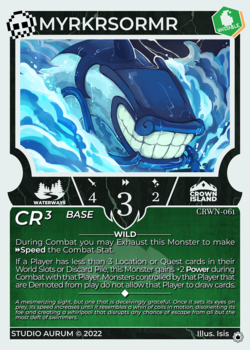
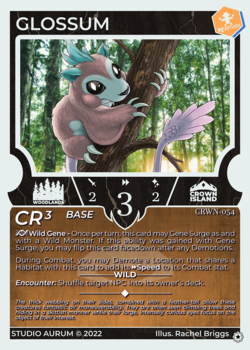
wild gene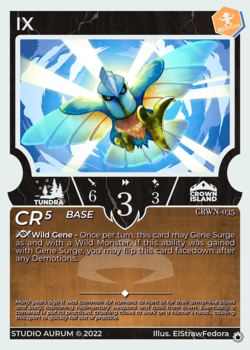
∙∙∙
rachel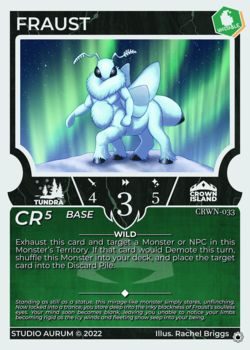
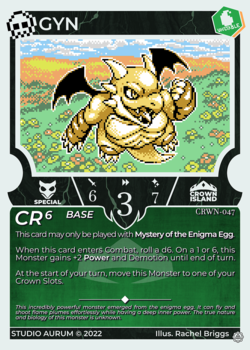
∙∙∙
Multiple Filters
You can combine multiple search filters in two ways.
Match each filter: Separate the filters by spaces or
andto find cards that match all of them.Match any filter: Separate the filters by
orto find cards that match any of the filters.
Surround your filters with parentheses when using both of these combinations.
ape-ahab brute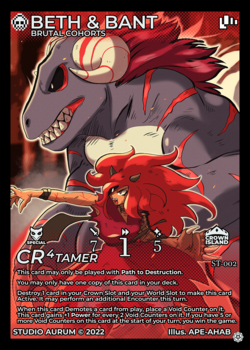
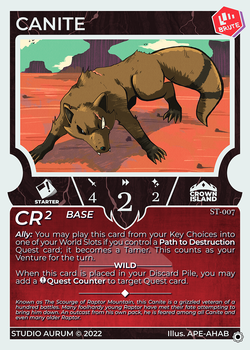
brute and waterways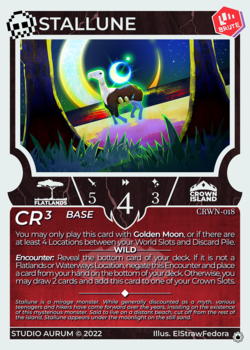
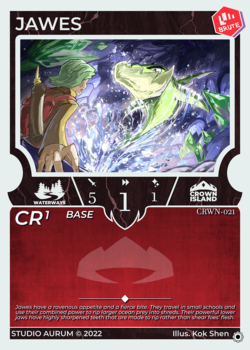
∙∙∙
brute or will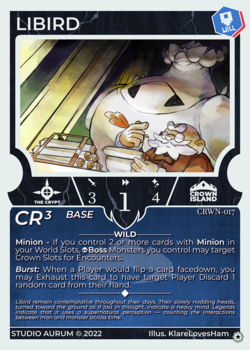
∙∙∙
wild gene (brute or will)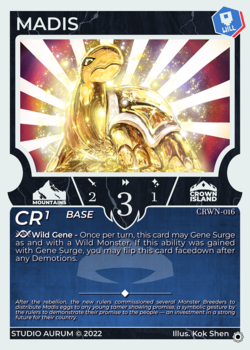
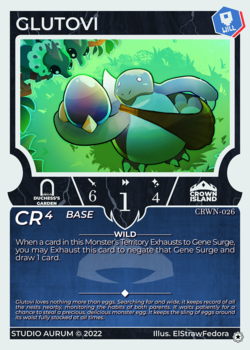
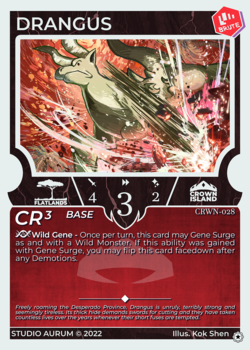
Name
Search for cards by name by using the keyword name or the shorthand n.
name jung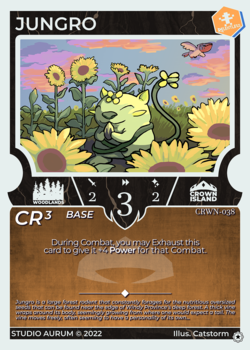
n crypt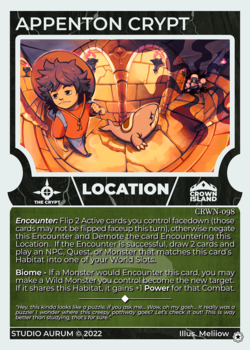
Effect
Search words in each card's effect by using the keyword effect or the shorthand e.
effect exhaust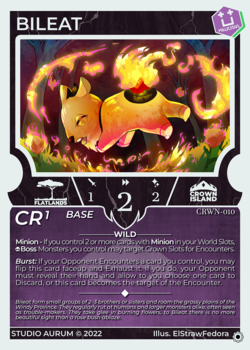
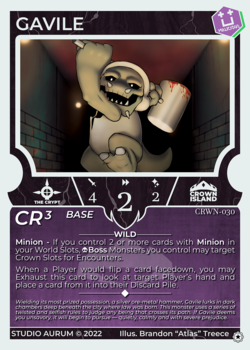
∙∙∙
e gene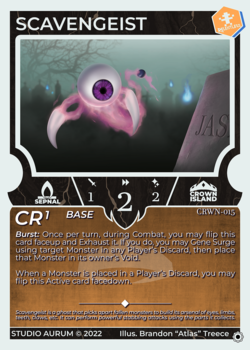
∙∙∙
Id
Search for a specific card by its id using the keyword id.
id 070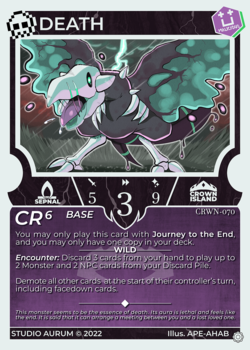
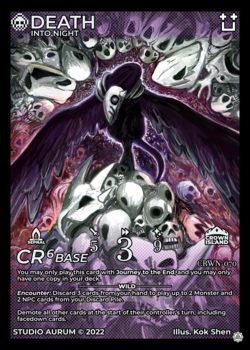
id CRWN-070Illustrator
illustrator or any of the following alternatives.iartartist
illustrator Meliiow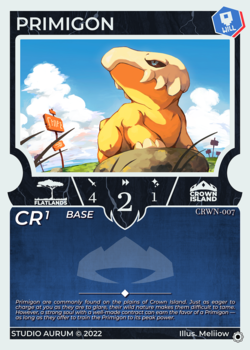
∙∙∙
i Catstorm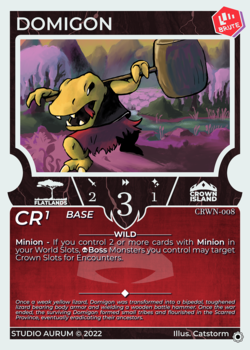
∙∙∙
art LordyIrony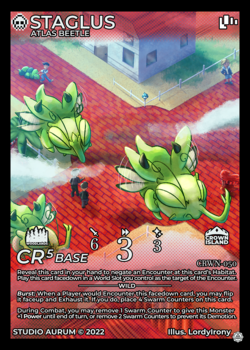
∙∙∙
artist Brandon∙∙∙
Lore
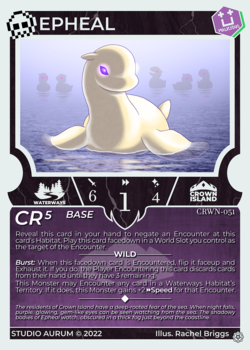
Search words in each card's lore by using the keyword lore or the shorthand l.
lore child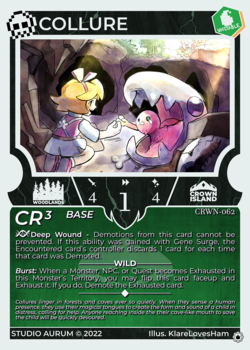
lore island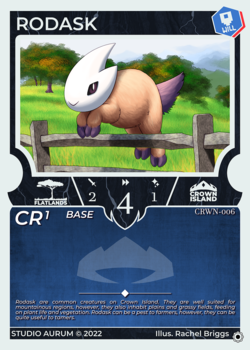
∙∙∙
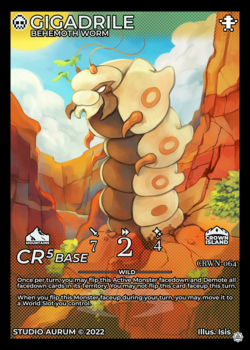
Full Arts
Search for full art versions of cards by searching for fullart or isfullart.
fullart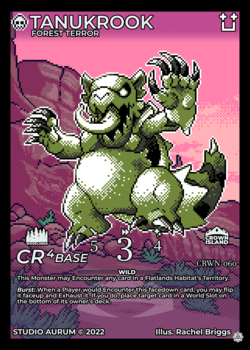
∙∙∙
isfullart∙∙∙
Subtitle
Full arts have subtitles next to their name. Search for words in those subtitles by using the keyword subtitle.
subtitle terrorBosses
Search for boss monsters by searching for boss or isboss.
boss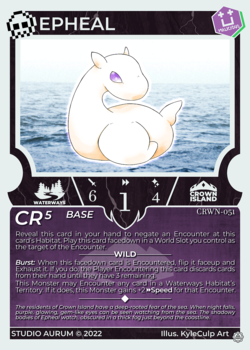
∙∙∙
isboss∙∙∙
Type
- Monster
- Adventure
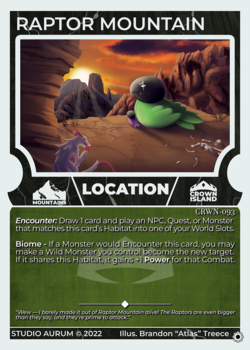
- Location
- A specific Monster type (e.g. Will)
- A specific Adventure type (e.g. Combat)
type or the shorthand t (or the old keyword subtype).type location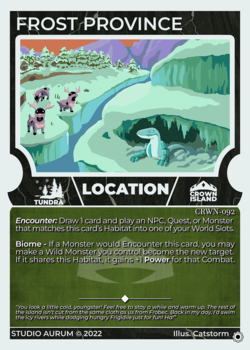
∙∙∙
t monster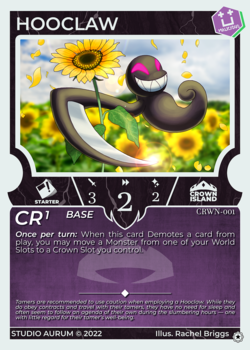
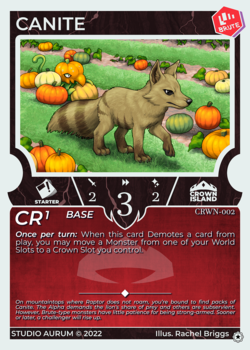
∙∙∙
type brute∙∙∙
type npc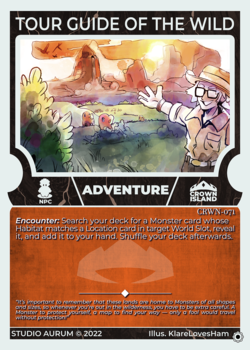
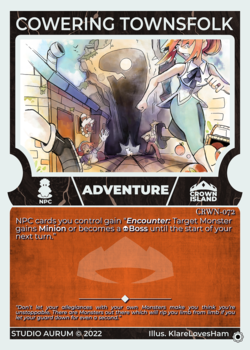
∙∙∙
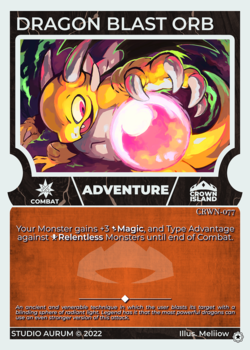
subtype combat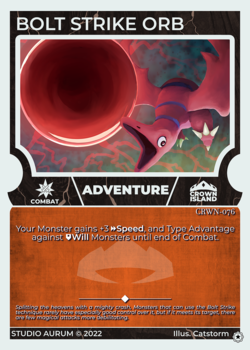
∙∙∙
Habitat
Search for cards with specific habitat, which can appear on monsters and locations, by using the keyword habitat or the shorthand h.
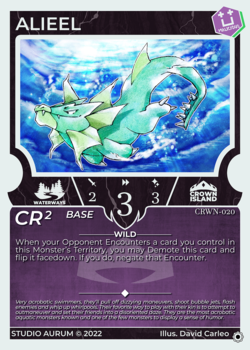
habitat waterways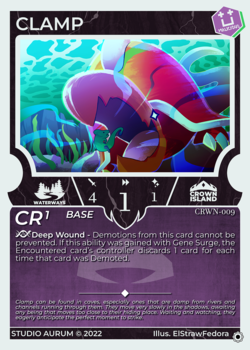
∙∙∙
h starter∙∙∙
Form
Search for monsters with specific forms, by using the keyword form.
form base∙∙∙
form tamer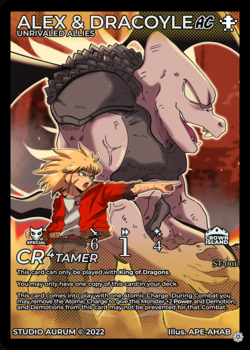
Stats (Attack, Speed, Magic, Crown Rating)
attack,aoratkspeed,sorspmagicormcrownratingorcr
=>>=<<=
cr=2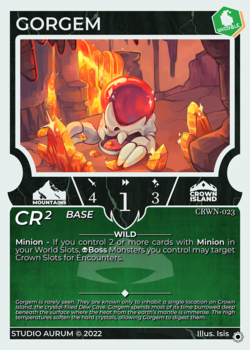
∙∙∙
speed > 3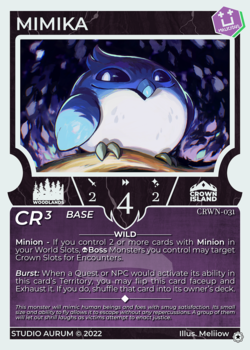
∙∙∙
Set
Search for cards in a specific set, by the keyword set.
set Crown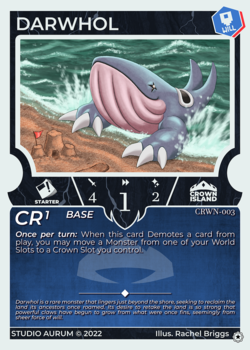
∙∙∙
Keywords
Keyword filters above may be used in a variety of forms.
keyword word
Separate the keyword and a single word by a space. This applies the corresponding filter to only one word.
Warning: this will not apply the filter to any following words. Those words will be using the Default filter.keyword:word
Separate the keyword and a single word by a:. This applies the corresponding filter to only one word in the same fashion as above. (For people who have used other search tools with this syntax.)keyword "multiple words":
keyword:"multiple words":
Surround multiple words in double quotes to apply that filter to those words that must appear in order. For example, to match a specific name or multi-word habitat.
name:junghabitat "the crypt"Exclude
Remove cards from the search result by prepending a query with - or not .
-malicious
∙∙∙
not type:malicious∙∙∙
-(brute or malicious)∙∙∙